
You’ve probably seen “VPN” mentioned when reading about online safety, but it’s rarely explained in plain terms. Here’s what it actually does, when it’s worth using, and when it isn’t.
What is a VPN?
VPN stands for virtual private network. Turn one on and it sends everything your device does online through an encrypted “tunnel” first, rather than sending it out directly. That hides your activity and your real location from anyone trying to snoop on the connection itself – including whoever runs the WiFi you’re connected to.
A VPN doesn’t make you anonymous online, and it won’t stop a website you’ve logged into (like your email or your bank) from knowing who you are – that’s a separate thing. What it’s genuinely good at is protecting the connection itself.
When is a VPN actually worth using?
The clearest case is public WiFi – a coffee shop, hotel, airport, or library network. These are shared with strangers and not always secured properly, so a VPN adds a real layer of protection when using one. If most of your browsing happens at home on your own WiFi, a VPN matters a lot less day to day, though some people still like the extra privacy from their internet provider.
A VPN can also make it look like you’re browsing from a different country, which some people use to watch a streaming service that isn’t normally available where they live. Worth knowing: most major streaming services have gotten much better at detecting and blocking this, so it doesn’t always work anymore, even with a good VPN.
How does a VPN work in practice?
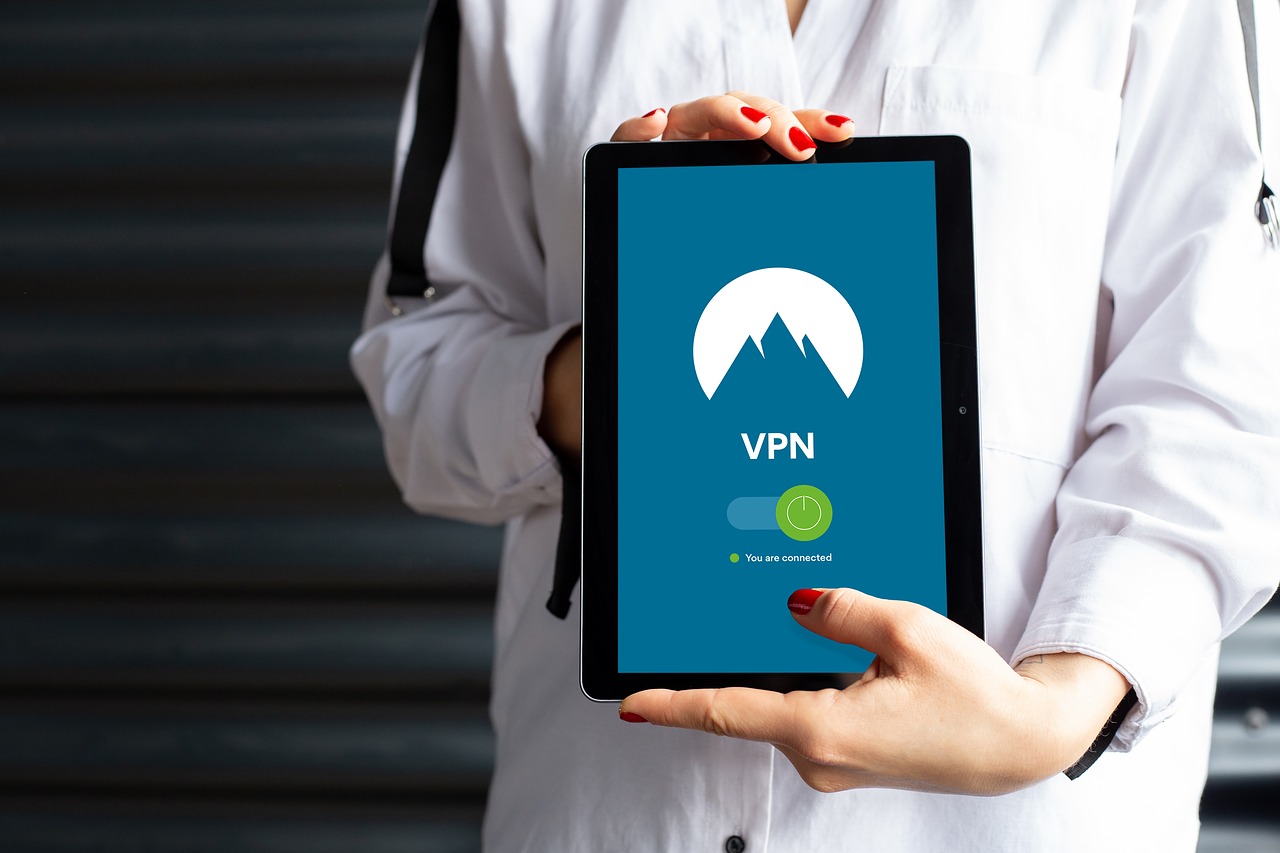
You install an app on the phone, tablet or computer, sign in, and turn it on – there’s no manual setup needed with a good one. Most apps have a single button to connect automatically to the fastest nearby server, and some can be set to turn on by themselves whenever you join an unfamiliar WiFi network, which is the simplest way to use one without having to remember.
NordVPN – the VPN we use
We’ve tried several VPNs, and the one we keep using day to day is NordVPN. It’s straightforward to set up, and the “quick connect” button is genuinely one tap – there’s nothing else to configure unless you want to. It’s also fast enough that it doesn’t slow down everyday browsing or video calls, which some cheaper VPNs struggle with.
It also includes some useful extras, like blocking a lot of ads and trackers automatically, and a “kill switch” that cuts your internet if the VPN connection ever drops, so you’re never accidentally browsing unprotected without realising.
The Tech Helper is reader-supported. When you buy through links on our site, we may earn an affiliate commission.
Comments
One response to “What is a VPN?”
[…] reading: another simple way to add protection while browsing, and our guide to avoiding online shopping […]