
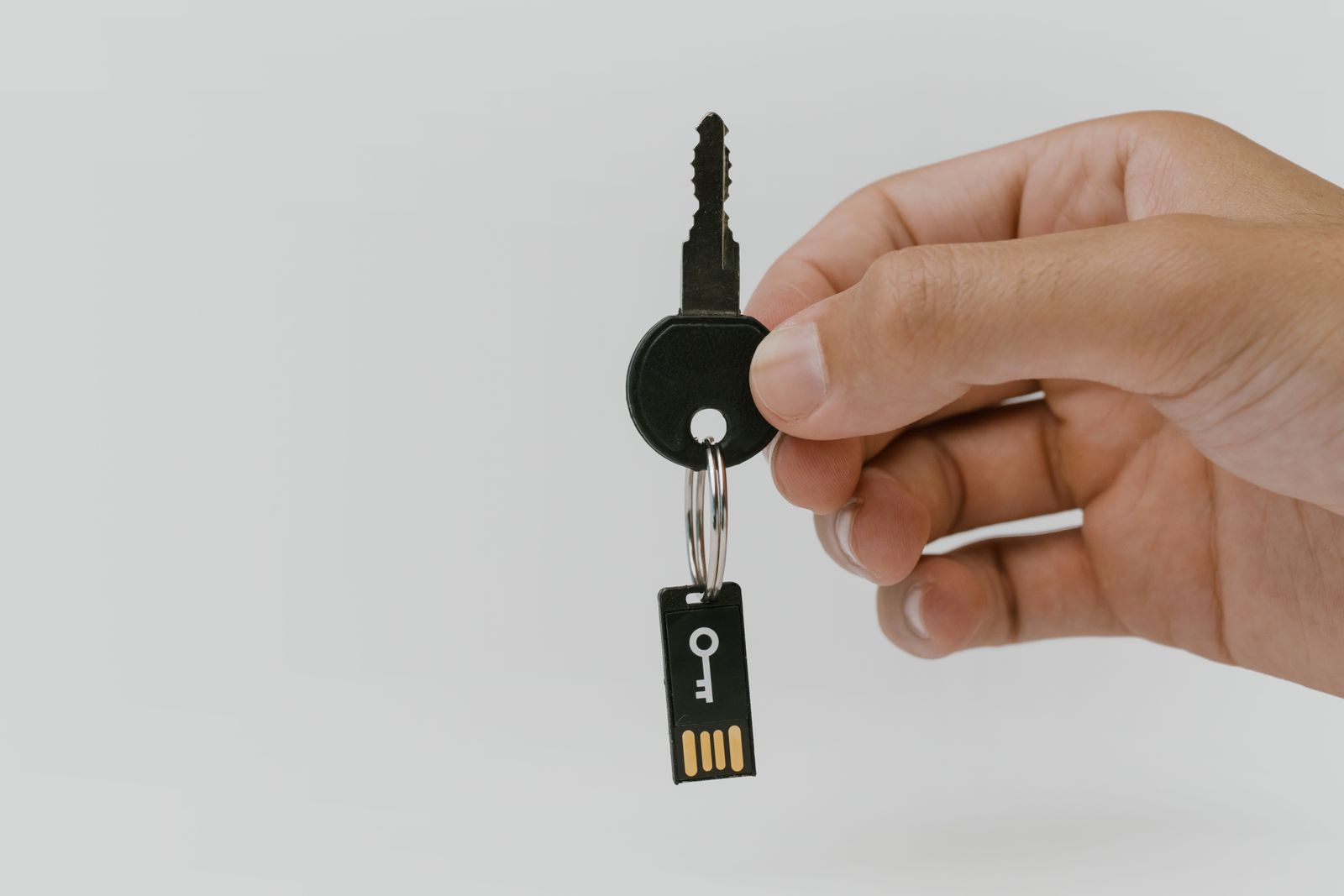
- A security key is a small physical device that plugs in or taps to prove it’s really you.
- The Yubico YubiKey 5 NFC is our pick for most people: $58, 4.6 stars, and over 12,000 ratings.
- A budget option, the Yubico Security Key NFC, costs around $29 and covers the basics well.
A security key is the strongest form of two-factor authentication available. It’s a small device, often shaped like a tiny USB stick. You plug it in or tap it against your phone to prove it’s really you logging in. Unlike a text message code, it can’t be intercepted or faked remotely. A scammer would need to physically steal the key itself. If you already use two-factor authentication with text codes or an app, a security key is the natural next step up.
How does a security key work?
When you log into a supported account, the website asks you to insert or tap your security key. This replaces typing in a code. You press a small button on the key, and it confirms your identity instantly. Most keys work over a USB port. Many also work wirelessly over NFC, the same short-range technology used for tap-to-pay. That means you can simply tap the key against the back of your phone, rather than plugging anything in.
Our pick: Yubico YubiKey 5 NFC
The YubiKey 5 NFC is the security key we recommend for most people. It connects either by plugging into a USB-A port, or by tapping against an NFC-enabled phone. That means it works with almost any computer or smartphone. It currently sits at $58 on Amazon. It has a 4.6-star rating from over 12,000 reviews, making it one of the most trusted security keys available. It supports every major account we would recommend protecting, including Google, Microsoft, Apple, and most banks. See the current price on Amazon.
A cheaper option: Yubico Security Key NFC
If $58 feels like more than you want to spend, there’s a cheaper choice. The Yubico Security Key NFC covers the basics for less, at around $29. It supports the same tap-to-use NFC and USB connection. It works with all the major websites and apps most people use day to day. It leaves out a few advanced features aimed at businesses. Most people at home will never need those extras. For anyone who wants a security key without paying for extras they won’t use, this is a sensible starting point.
Do I need two security keys?
It’s worth having a backup. If your only key is lost, you could be temporarily locked out of an account. This lasts until you use a backup code or verify your identity another way. Many people buy two keys. One is for carrying around. One stays safely at home as a backup. Most websites let you register more than one key on the same account, so both work without any extra setup.
Is a security key hard to set up?
No. Setup is usually quicker than setting up an authenticator app. Go into your account’s security settings. Look for “Security key” under the two-factor authentication options. Follow the prompts to plug in or tap your key. It typically takes under a minute per account.
A security key is a small, one-time purchase. It adds the strongest layer of protection currently available for your most important accounts. For most people, the YubiKey 5 NFC is the easiest all-round choice. The Security Key NFC is a solid budget alternative.
A security key locks down how you log in, but it won’t tell you if your personal details have turned up in a data breach elsewhere. For that kind of ongoing monitoring, Aura keeps an eye on the dark web for your information and bundles in wider identity theft protection. It’s a paid service and works well alongside a security key rather than instead of one, for anyone who wants both ends covered.
Related reading: our guide to two-factor authentication, and our guide to avoiding online shopping scams.
The Tech Helper is reader-supported. When you buy through links on our site, we may earn an affiliate commission.