
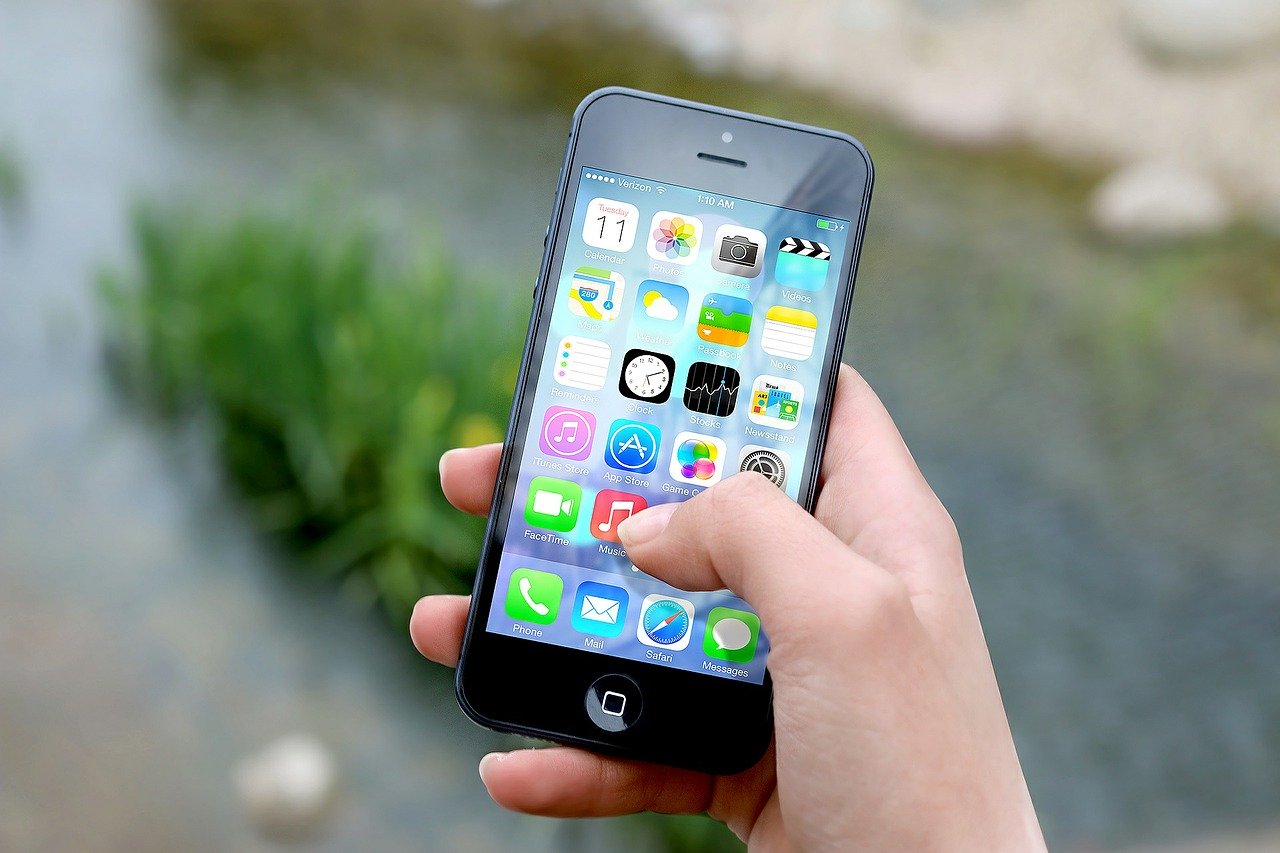
- Refurbished and renewed phones are often a great deal if you want a cheap iPhone
- Apple’s own Certified Refurbished store and Amazon Renewed are both safe, warrantied ways to buy
- Older models can still do almost everything a brand new iPhone can
There’s no two ways about it – iPhones aren’t cheap to buy new. But if you’re willing to go with an older or refurbished model, you can save hundreds of dollars without giving up much.
Where to buy a refurbished iPhone
There are two main places worth trusting:
Apple Certified Refurbished – sold directly by Apple, these come with a full one-year warranty, the option to add AppleCare+, and a battery and outer shell that Apple guarantees look and perform like new. They’re usually the most reassuring option, though not always the cheapest.
Amazon Renewed – Amazon’s own equivalent programme, also backed by a warranty (typically one year) and covering a wider range of older models than Apple sells refurbished. Every listing has to meet a minimum battery health of 85% to qualify. Prices vary between sellers, so it’s worth comparing a couple of listings for the same model rather than buying the first one you see.
Which model should you buy?
For most people, buying refurbished or renewed doesn’t mean buying an ancient phone. A model that’s two or three years old will still run the latest version of iOS, take a great photo, and last all day on a charge – the difference in everyday use compared to buying new is smaller than it sounds.
We cover our specific current pick, the iPhone 14 (renewed), in our guide to the best cell phone for seniors – it’s the same advice, just worth repeating here: buying a couple of generations back is the sweet spot between price and features.
The main trade-off with any older or refurbished iPhone is missing out on the very latest features – photos might be a touch less sharp, and every now and again a demanding app might run a little slower. For most everyday use – calls, messages, browsing, video chats with family – that difference won’t be noticeable.
The Tech Helper is reader-supported. When you buy through links on our site, we may earn an affiliate commission.