
Modern TV remotes can be horribly complicated – so we’ve found the best TV remote for seniors (and anyone else who struggles).
Changing the channel or the volume on your TV shouldn’t be complicated. But with the latest TVs, it can be.
However, don’t panic – you don’t have to stick with the remote your TV or cable box came with.
There are a huge range of alternative remotes, ranging from some with giant buttons to some you can speak to.
We’ve found the best TV remote for seniors out there – and the best deals on them.
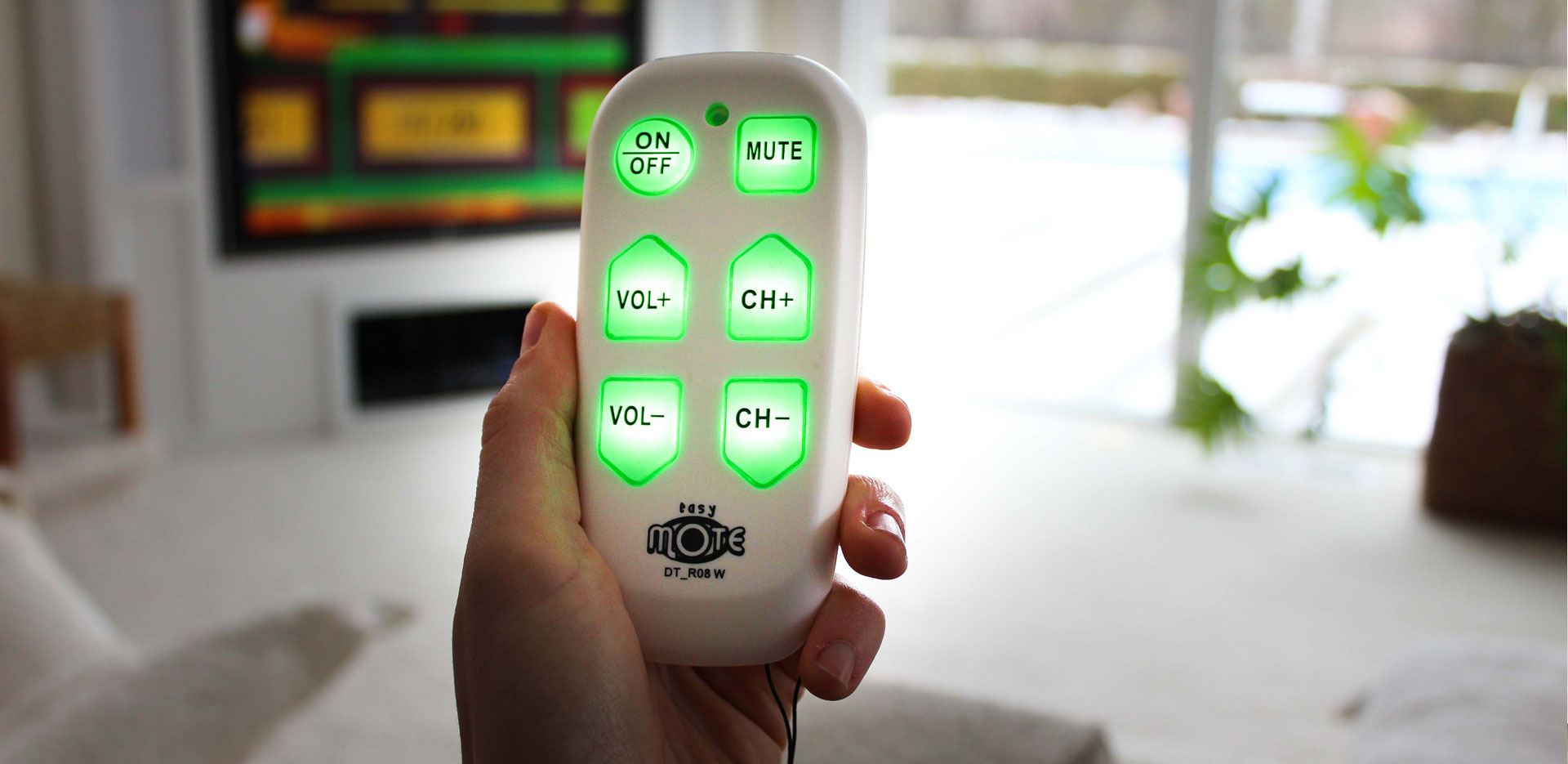
Best big button TV remote for seniors – EasyMote
When it comes to TV remotes, bigger can be better in terms of buttons. While there are a whole bunch of big button remotes for seniors out there, we think the EasyMote is the best choice due to its price and sheer simplicity.
It’s only got six buttons – volume up and down, channel up and down, a power button and a mute button. Which is really all you need for a lot of users. Helpfully it’s also backlit, so you’ll be able to use it at night.
It’s simple to set up, and there’s a wrist strap to stop you dropping it.
Best universal remote for multiple devices – GE Big Button
If you want a big-button remote that can control more than just one device – say a TV and a cable box or soundbar together – the GE Big Button remote is a great choice.
Buy the GE Big Button remote on Amazon
It controls up to two devices, sets up with simple automatic code search, and is specifically marketed for exactly this audience – it’s a popular choice in assisted living and nursing homes, not just family homes. At under $10 with over 5,000 reviews, it’s an easy, low-risk recommendation.
Control your Smart TV with speech: Amazon Echo Dot
If you’ve got a modern smart TV, you may be able to control it remotely via Amazon’s Alexa system.
If you can, then it’s worth buying an Amazon Echo Dot smart speaker to take advantage of this.
Buy the Amazon Echo Dot on Amazon
You’ll need to install what Amazon calls a ‘skill’ onto the speaker so it can talk to your TV, but once you’ve done that, you should be able to control your TV by simply saying “Alexa, turn up the TV volume” or “Alexa, watch HGTV”. Commands and what you can do vary by TV maker, so check your TV’s own Alexa compatibility page on Amazon to see what’s supported.
The Tech Helper is reader-supported. When you buy through links on our site, we may earn an affiliate commission.